See, secure & speed up every WiFi network you own.
Find out who's really on your WiFi, spot the security weak spots before anyone else does, and check the speed you're actually getting — all on your phone, with no account and nothing uploaded.
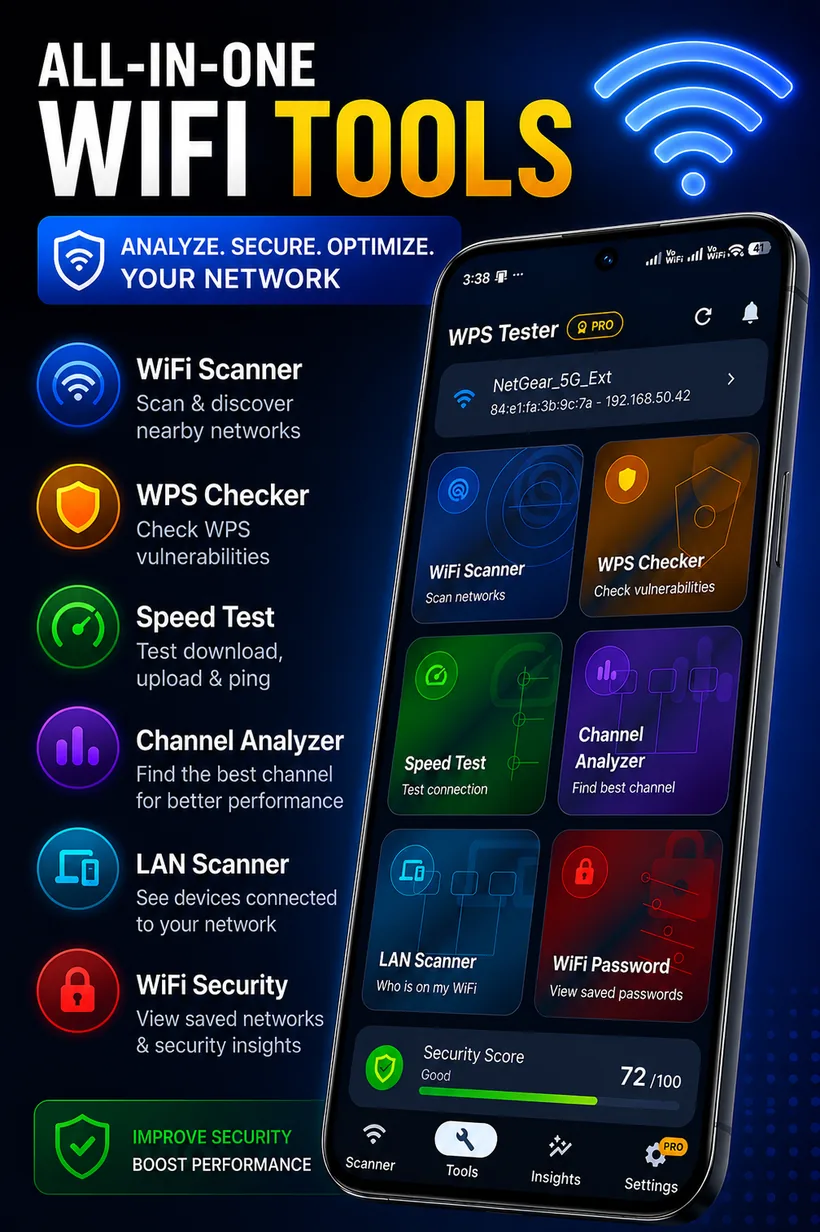
One tap from insight to action
Pick a feature to see exactly what it does. Every result is generated on your phone — nothing is uploaded to a server.
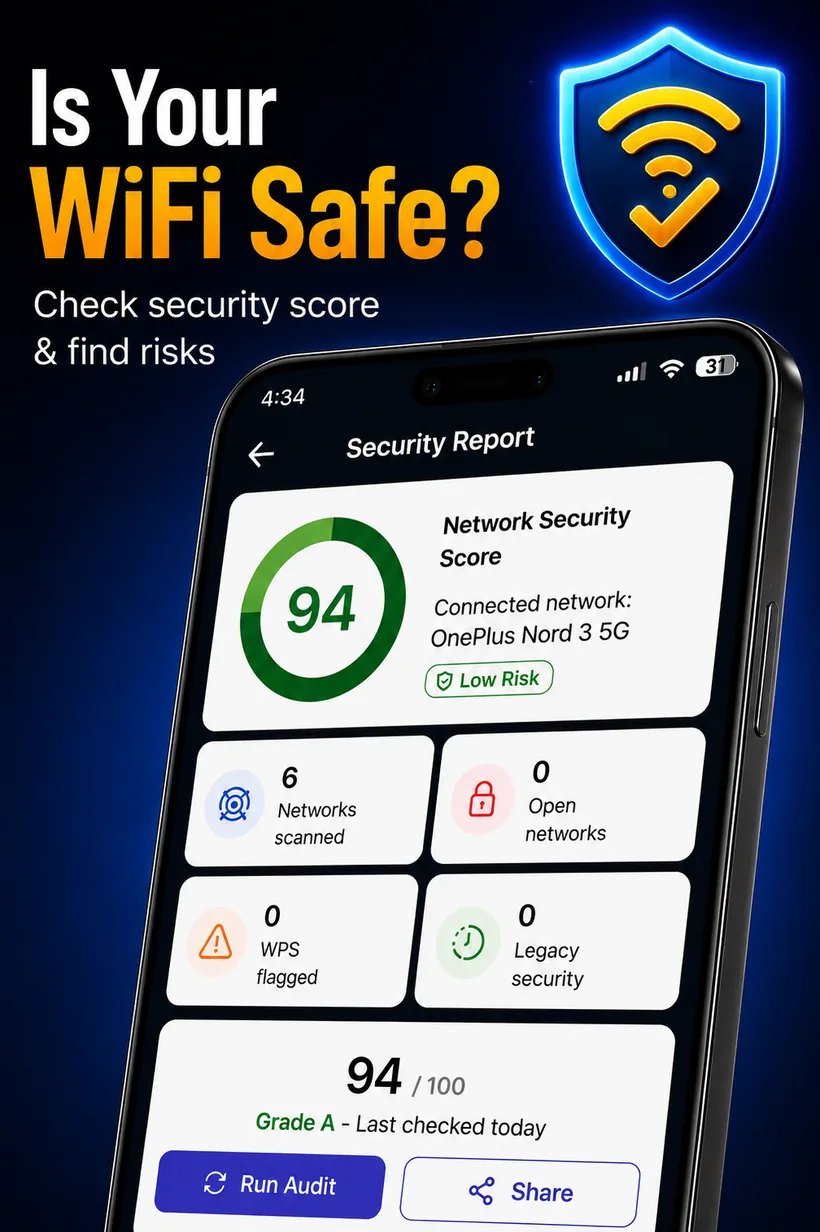
Know how safe your network really is
An on-device rule engine inspects your connected network and surrounding WiFi, then produces a single 0–100 security score with a clear grade and the exact issues to fix.
- Flags open networks, WPS-enabled routers & legacy WEP/WPA
- Prioritized, plain-language recommendations
- Run an audit, then share the report card
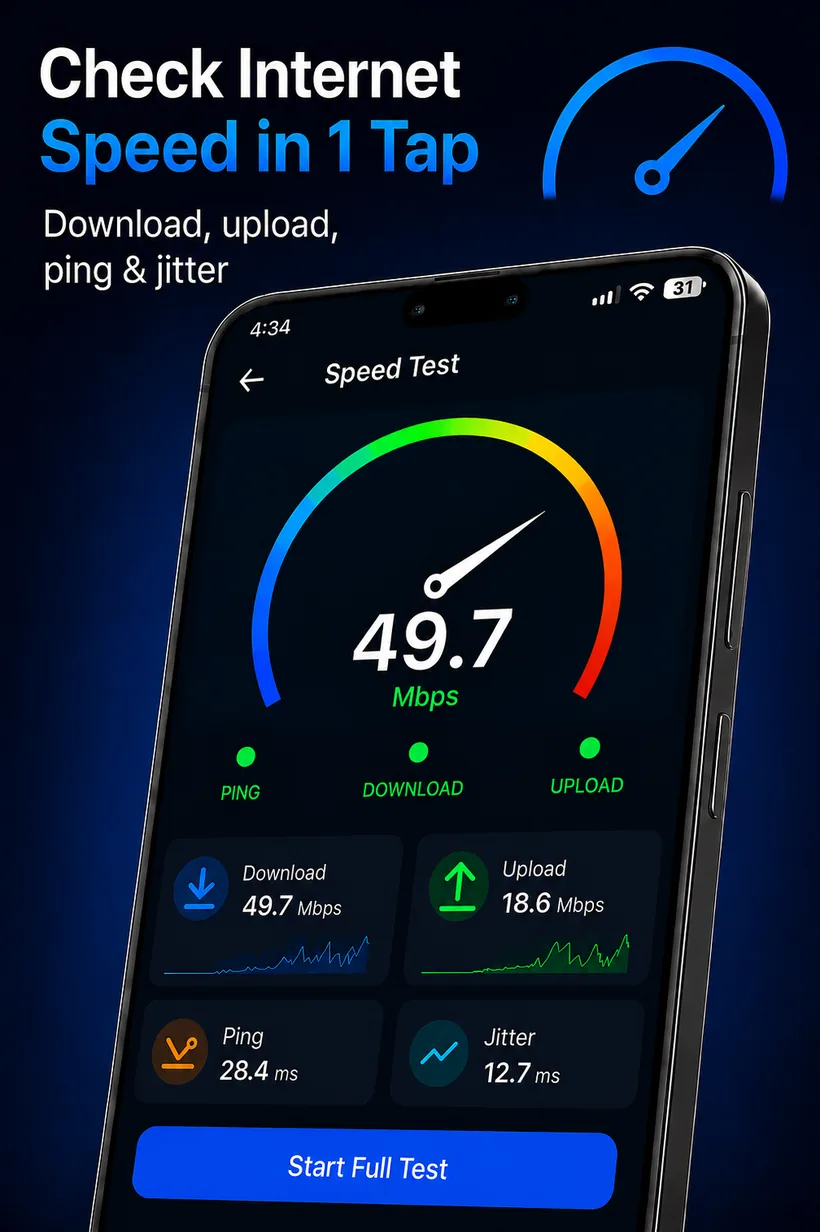
Measure your true internet speed
One tap runs a full download, upload, ping and jitter test against Cloudflare's global edge network, with a live gauge and results saved to history.
- Real throughput, not an estimate
- Download, upload, latency & jitter in one run
- Compare results over time in History
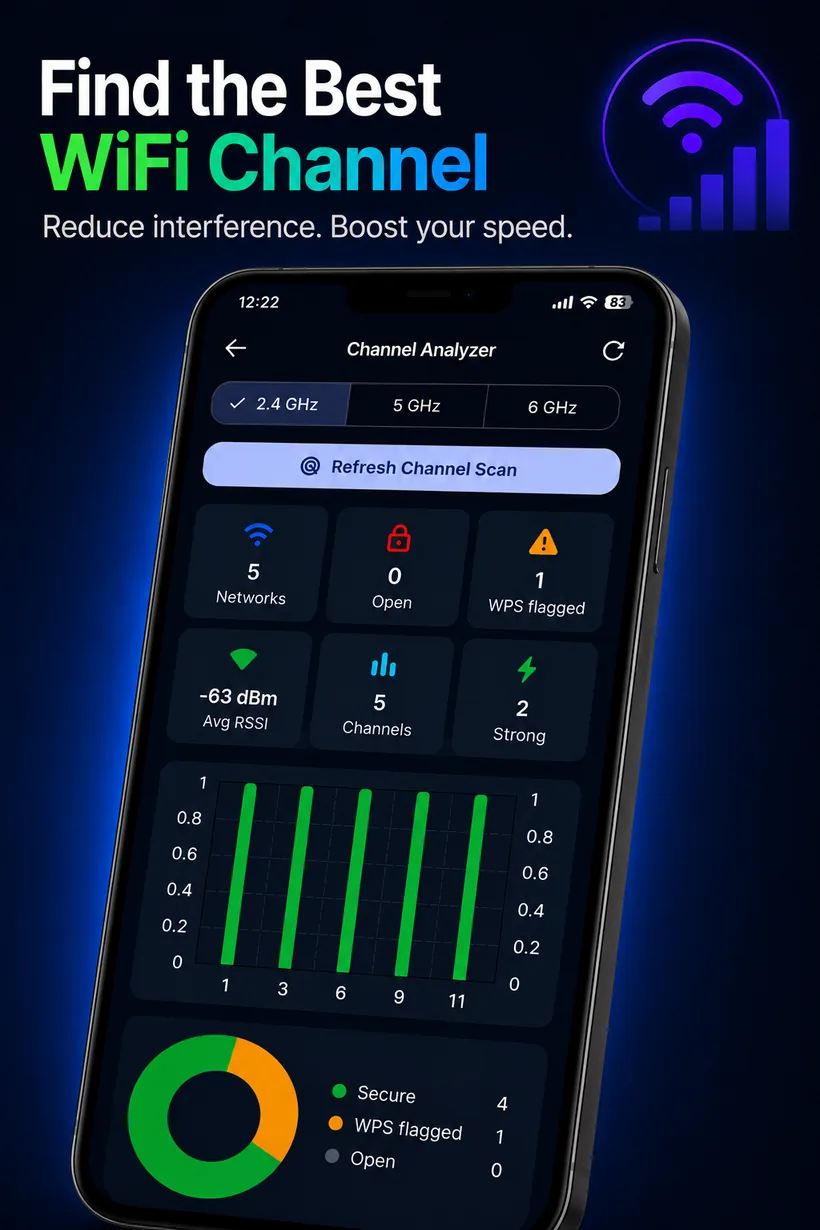
Escape the crowded channels
Visualize how busy each 2.4, 5 and 6 GHz channel is, see signal strength and security at a glance, and get a recommendation for the cleanest channel to switch to.
- Per-band congestion bars
- Spot WPS-flagged & open networks nearby
- Actionable "best channel" suggestion
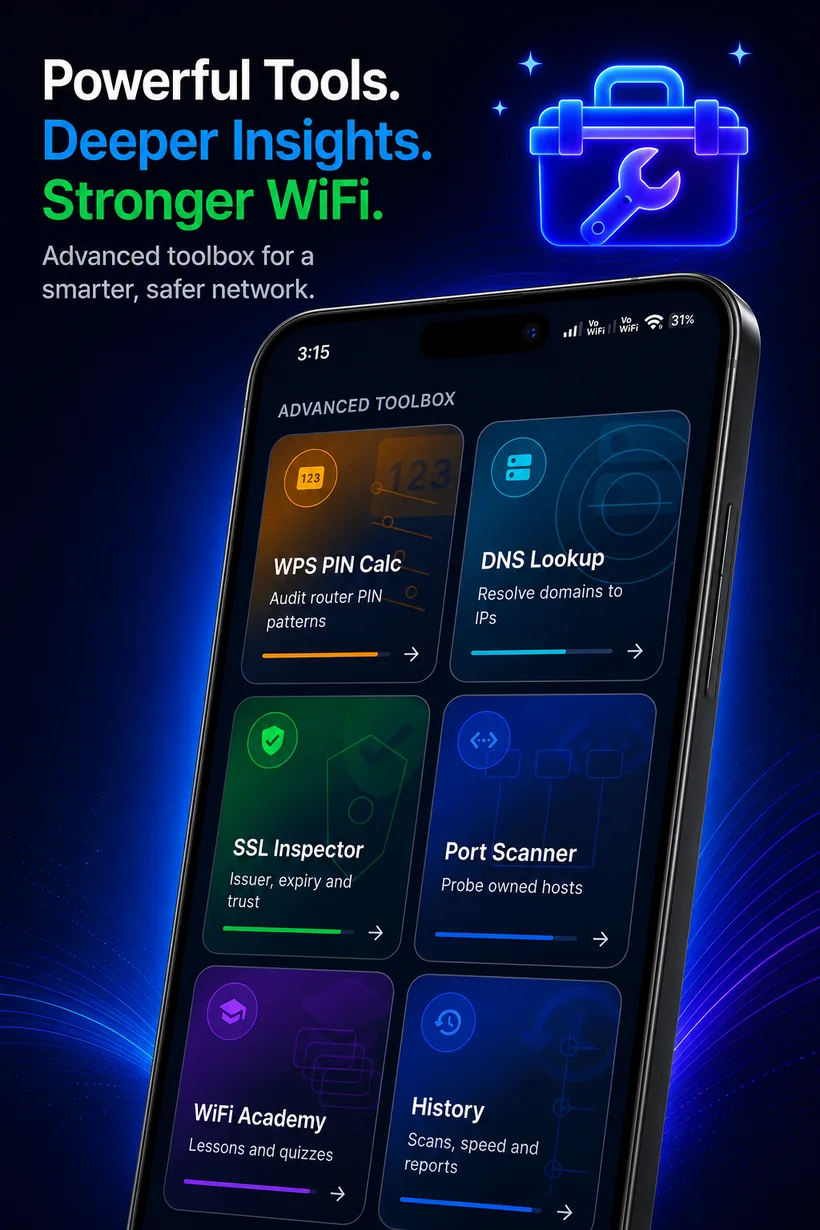
A pro toolbox in your pocket
Go deeper with the advanced toolbox: resolve domains, inspect SSL certificates and probe ports — all from one screen.
- DNS Lookup & SSL Inspector
- Port Scanner
- For networks & hosts you own or are authorized to test
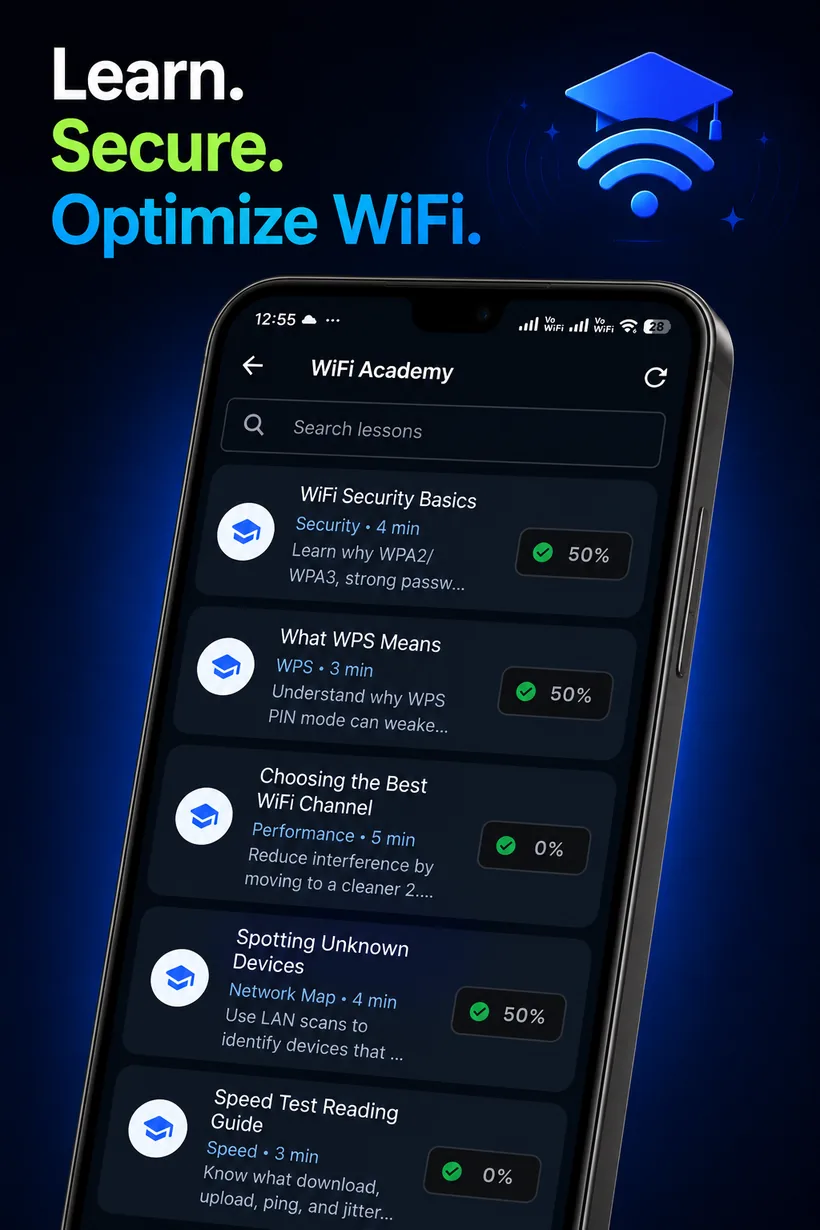
Learn while you secure
The built-in Academy turns network security into short, friendly lessons with quizzes — understand WPS risks, channel choice and how to read a speed test.
- Lessons on security basics, WPS & more
- Quizzes with scores & progress tracking
- Progress stored locally on your device
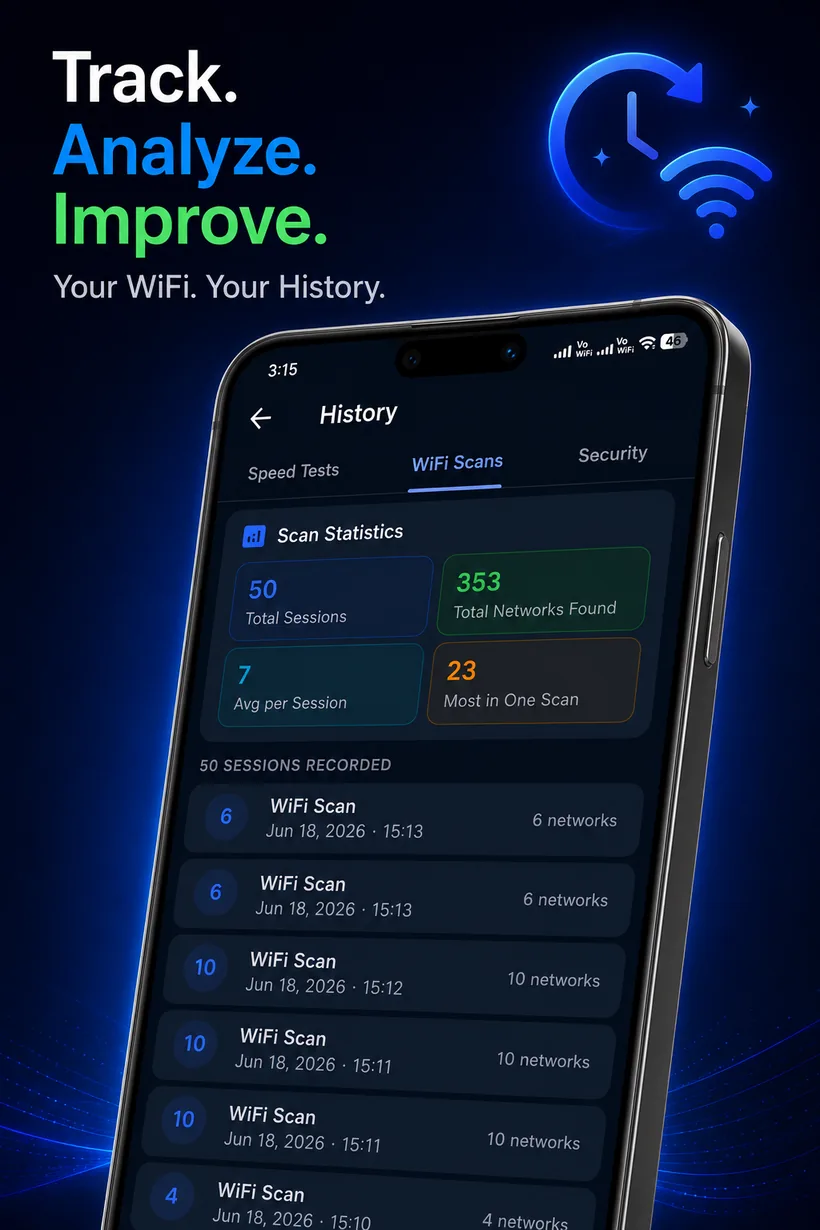
Track every change over time
Your scans, speed tests and security reports are timestamped and saved locally, with session statistics so you can watch your network improve.
- Separate WiFi scan, speed & security timelines
- Session stats: totals, averages & bests
- Clear it all in one tap, anytime
Thirteen tools, one download
From quick scans to deep diagnostics — here's everything WiFi Analyzer puts at your fingertips.
WiFi Scanner
Discover every nearby network with SSID, BSSID, signal, frequency, channel, security type, WPS status and router vendor.
WPS Checker
Detect routers with WPS enabled and flag those exposed to known WPS security weaknesses, with a clear risk score.
LAN Scanner
Map every device on your local network — IP, MAC, hostname, vendor and a trusted/unknown label to spot intruders.
WiFi Vault
Save your own WiFi keys to an AES-256 encrypted local vault and share them as QR codes. Never uploaded anywhere.
QR Code Sharing
Generate a QR code for any network so guests can join instantly — created on-device and shared only when you choose.
DNS Lookup
Resolve any domain to its IP records through public resolvers — quick diagnostics and a great way to learn how DNS works.
SSL Inspector
Connect to any host and inspect its TLS certificate — issuer, validity dates and trust chain, explained simply.
Port Scanner Authorized use
Probe open ports on hosts you own or are authorized to test — for legitimate network diagnostics and learning.
Your network, visualized
A taste of how WiFi Analyzer turns raw network data into something you can actually read at a glance.
Security Score
On-device risk rating
Speed Test
Download throughput
Channel Analyzer
2.4 GHz congestion
Recommended: Channel 3 — cleanest
Built to be a pleasure to use
A clean, dark, focused interface that surfaces what matters — drag to explore.
Free to start. PRO when you're ready.
Every core tool is free. Upgrade to remove ads and unlock the extras — billed securely through Google Play.
Free
Always freeEverything you need to scan and secure your WiFi.
- WiFi Scanner, WPS Checker & Security Report
- Speed Test, Channel Analyzer & LAN Scanner
- WiFi Vault, QR sharing & Academy
- Supported by occasional ads
WiFi Analyzer PRO
★ PRONo limits. No ads. Full network control.
- Remove all ads, everywhere
- Deep WPS scan, LAN device map & new-device alerts
- Full speed & channel history and analytics
- Priority access to new tools
The Monthly plan includes a 3-day free trial that converts to a paid monthly subscription unless cancelled before it ends. Your exact price is shown in your local currency in Google Play before you pay. Manage or cancel anytime in Google Play. See our Subscription & Refund Policy.
Your data never leaves your phone
WiFi Analyzer is local-first. Scan results, security reports, LAN data and saved passwords are processed and stored only on your device — there are no accounts and no developer servers holding your data.
Questions, answered
Ready to secure your WiFi?
Download WiFi Analyzer and get a complete picture of your network in under a minute — free, on-device, no account.